







































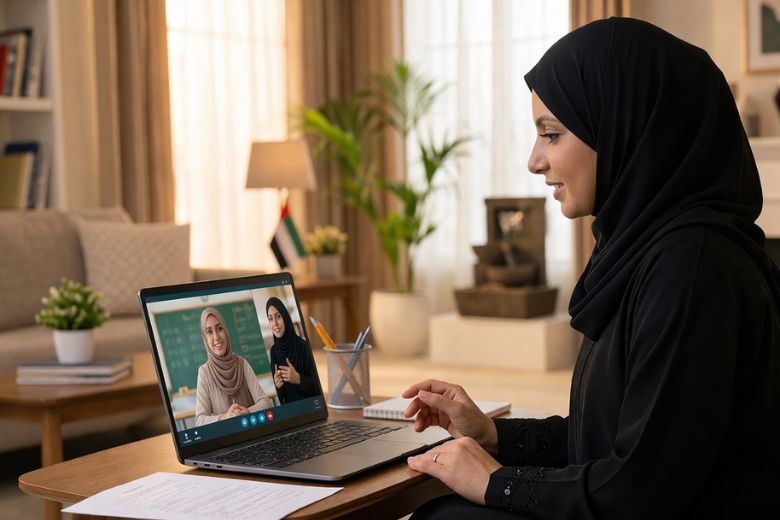
The UAE Ministry of Education has released a parent guide to help support families as schools transition to distance learning for Term 3. As learning shifts back into the home, many families are adjusting once again to new routines, expectations, and ways of staying connected to school life.
While the change may feel abrupt, distance learning is designed to ensure continuity, allowing students to progress academically while remaining engaged with their teachers and peers. During this time, a sense of structure and reassurance at home becomes just as important as the lessons themselves and parents need to play an important role in supporting their children’s learning.
This guide has been created to help parents navigate this transition with greater ease. It offers clear, practical steps to support daily learning, maintain routines, and encourage wellbeing, so that children can continue to feel confident, supported, and focused throughout the term.
Quick Start for Parents
Distance learning allows your child to continue learning from home when schools cannot operate in person. Your support helps children stay engaged and confident while learning from home.
What Parents Should Do:
- Check the daily timetable shared by the school
- Ensure your child can access the learning platform
- Prepare a quiet and comfortable space for learning
- Help your child join live lessons on time

Supporting Younger Children
Younger children often need extra help when learning from home. Your guidance helps them stay focused, understand instructions, and feel confident during online lessons.
You Can Support Your Child By
- Sitting with them during lessons when possible
- Helping them navigate learning platforms and communication applications used by the school
- Helping them understand instructions from the teacher
- Reading together every day
- Engaging in simple learning activities such as drawing, counting, or storytelling
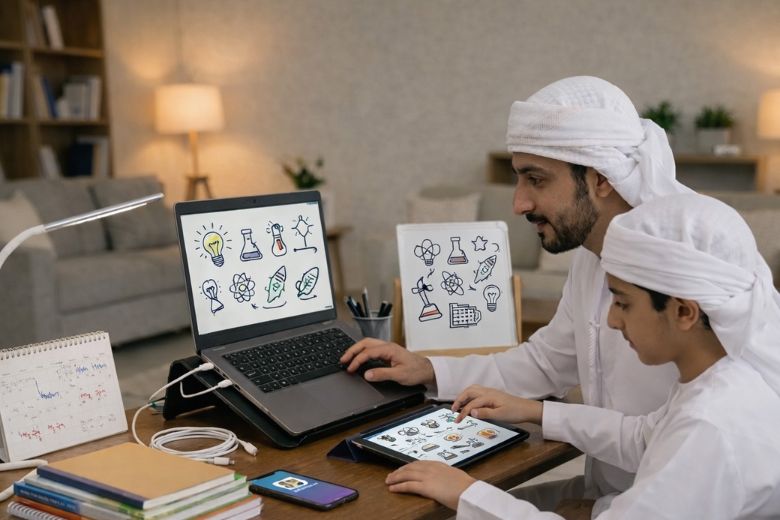
First Day of Distance Learning
Before the School Day Begins:
- Review the expectations and guidelines related to distance learning
- Review the daily timetable shared by the school
- Ensure your child can access the learning platform
- Test the device, internet connection, audio, and camera
At the Start of the School Day:
- Help your child log in to the learning platform
- Ensure your child joins the first lesson on time
During the Day:
- Support younger children if they need help using the platform
What Distance Learning will Look Like
Your child will continue learning from home through a variety of activities planned by the school.
Learning may include
- Live online lessons with teachers
- Independent learning activities
- Offline tasks such as reading, writing, or creative work
- Recorded explanations or demonstrations

Schools will share timetables and instructions through approved digital learning platforms and school communication channels.
Attendance and Participation
Your child is expected to participate in distance learning activities and follow the daily learning timetable shared by the school. Attendance will be taken for every lesson, and your child is expected to attend the full session.
Participation will include
- Joining live lessons
- Completing assigned learning activities
- Submitting assigned work when required
If your child cannot attend a lesson, please inform the school.
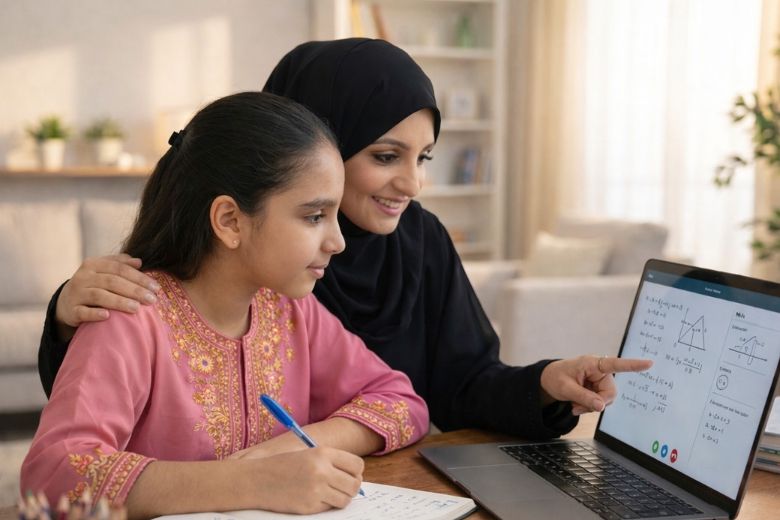
How Parents Can Support Learning
Your support plays an important role in helping your child stay motivated and engaged during distance learning.
You can support your child by
- Helping your child follow the daily learning timetable
- Encouraging your child to ask questions and share ideas during lessons
- Reading together every day, especially with younger children
- Talking with your child about what they learned during the day
- Encouraging creativity through drawing, building, writing, or storytelling
- Praising effort and progress to build confidence
Tips for Working Parents
- Familiarise yourself with your child’s distance learning model and daily timetable, including submission deadlines, lesson times, and assessments
- Establish a consistent daily routine that supports your child’s learning
- Spend time in the morning reviewing lessons or tasks if possible
- Ask the school if assignments can be shared in advance
- Share supervision responsibilities with family members when possible
- Contact the school at agreed times if support is needed
- Keep school contact details accessible
Recommended Supplies for Distance Learning
| Supplies |
|---|
| Learning devices |
| Mini whiteboards with markers |
| Post-it notes |
| Wall calendar |
| Essential stationery |
Managing Screen Time and Wellbeing
Distance learning requires children to spend time on digital devices. It is important to maintain a healthy balance between screen use, learning, physical activity, and rest.
You can support your child by
- Encouraging regular breaks from screens between lessons
- Including offline activities such as reading, drawing, or play
- Limiting non educational screen time during the school day
- Encouraging physical movement
- Maintaining regular sleep and wake routines
- Creating time for relaxation and family interaction
- Listening to your child and supporting them if they feel worried or frustrated about learning from home
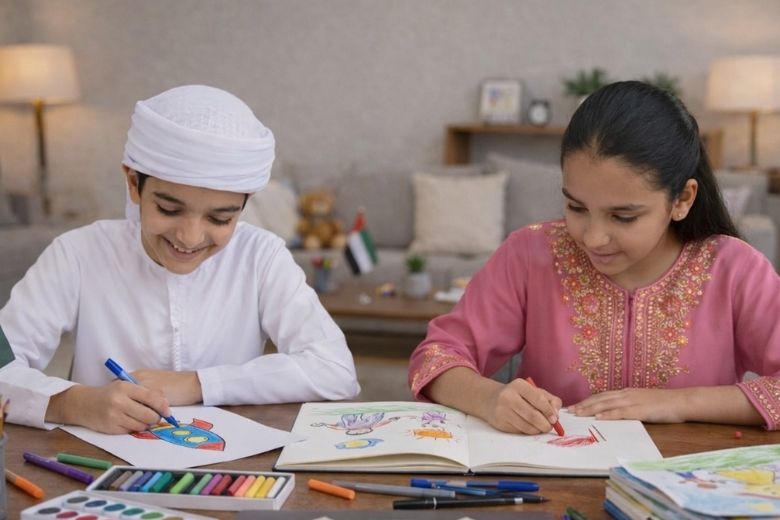
The amount of screen time during distance learning will vary depending on the child’s age. Younger children benefit from shorter learning sessions with frequent breaks.
| Age group | Grades | Instructional time per day |
|---|---|---|
| 4 to 6 years | KG1 to KG2 | 60 to 120 minutes |
| 6 to 8 years | Grades 1 to 2 | 120 to 180 minutes |
| 8 to 10 years | Grades 3 to 4 | 180 to 210 minutes |
| 10 to 14 years | Grades 5 to 8 | 210 to 270 minutes |
| 14 to 18 years | Grades 9 to 12 | 210 to 270 minutes |
Instructional time excludes breaks
Online Safety
It is important to guide your child in using digital platforms safely.
Remind your child to
- Behave respectfully during online lessons
- Follow the teacher’s instructions during virtual sessions
- Not share personal information online
- Follow the school’s digital use expectations and guidelines
- Use school platforms only for learning
Younger children should be supervised during online learning or when using digital platforms.
Online Safety Checklist
| Checklist |
|---|
| Install parental controls to block inappropriate content |
| Place devices in shared spaces for supervision |
| Follow school IT and safety guidelines |
| Know who to contact at school for concerns |
| Report inappropriate activity immediately |
| Request lesson timetables in advance |
| Ask for list of approved apps and platforms |
Support and Communication With the School
Schools will continue to communicate with families during distance learning. Clear communication helps ensure that your child can continue learning effectively from home.
Each school will assign a designated distance learning coordinator as a main point of contact for parents. The coordinator will support communication, address queries, and help resolve any issues related to distance learning.
Schools may communicate through
- Learning platforms and communication channels
- Email messages
- Phone calls or text messages
You should contact the school if
- Your child cannot attend lessons
- Your child has difficulty accessing the platform
- Your child needs additional support
If you are a working parent, you may speak with the school to explore flexible arrangements such as accessing recorded lessons or reviewing materials after working hours.
Questions You Should Ask the School
| Questions |
|---|
| How will the school operate during closure? |
| What is the daily learning timetable? |
| What platforms and login details are required? |
| How often should students log in each day? |
| Where to find assignments and lessons? |
| Can lessons be recorded for later viewing? |
| How to collect work if not online? |
| What additional resources are recommended? |
| What is the IT helpdesk contact? |
| How to contact the distance learning coordinator? |
Coping Strategies for Children
| Ages 4 to 6 | Ages 6 to 12 | Ages 13 to 18 |
|---|---|---|
| Maintain regular routines including bedtime | Maintain regular routines including bedtime | Maintain regular routines including bedtime |
| Show patience and understanding | Show patience tolerance and reassurance | Show patience tolerance and reassurance |
| Provide reassurance through comfort | Encourage questions and sharing thoughts | Encourage discussion about feelings |
| Encourage expression through play and drawing | Encourage expression through play and conversation | Encourage hobbies and interests |
| Allow short term flexibility if needed | Stay connected with friends | Stay connected with friends |
| Plan calm bedtime activities | Encourage physical activity | Encourage physical activity |
| Limit exposure to distressing media | Limit exposure to distressing media | Limit exposure to distressing media |
| Support healthy routines | Support healthy routines | Support positive habits |
For more details please visit,
Further Reading:
- How Schools Can Support Students and Families During Periods of Remote Learning
- Standing Together, How the UAE’s Leaders and Educators Are Showing the World What Resilience Looks Like